

An AI model that writes sales email will, if left alone, write things that sound right. Some of them will not be true. A buyer who reads that you supply a well-known chain, or hold a particular certification, may act on it. So in Outreach Asia, an email can only make statements that come from your own material and that someone on your side has approved.
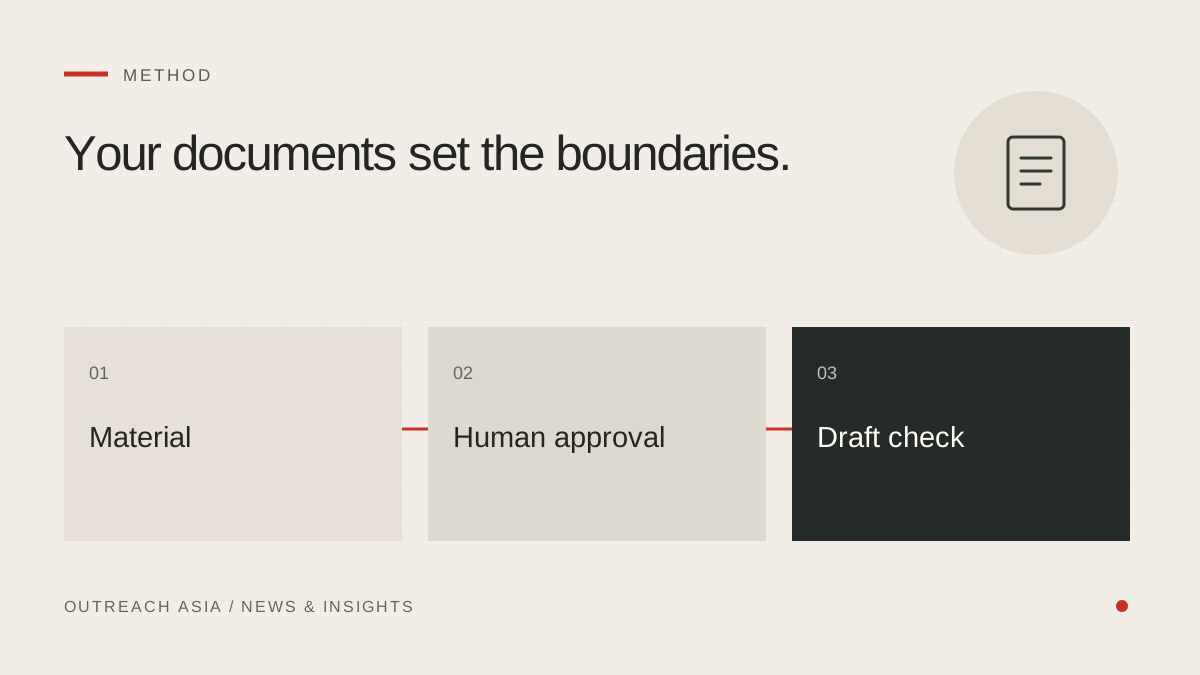
Your documents set the boundaries.
- Read material
Extract facts and flag conflicting information.
- Grade statements
Approved, Needs proof or Blocked.
- Confirm evidence
A person confirms what the business can support.
- Check each draft
Unsupported statements hold the draft for correction.
A visual summary of this article. Read the full explanation below.
It starts with your documents.
You give us your material: brochures, catalogues, price lists, your website, or a short description typed in. The app reads it and pulls out the facts it contains, for example what you make, where you are based and who you sell to.
Where two documents disagree, for example two different minimum order quantities, the disagreement is flagged for you to settle. The app does not quietly pick one.
Every statement gets a grade.
Each factual claim an email might make becomes a statement, and each statement is graded:
- Approved: it may be used in emails.
- Needs proof: it may be true, but nothing yet shows it. It stays out of emails.
- Blocked: it must not be said.
A new statement starts as Needs proof. Only approved statements can appear in an email.
A person confirms, and it is recorded.
The first grading is done by the AI model. That is a reasonable first pass and a poor final authority, because the model cannot know which claims you can actually back up. So the authority is a person’s. When someone confirms a statement, the app records who and when. Anyone reviewing the workspace later can tell what the model suggested from what a person approved.
Checkable facts need their evidence.
Some statements are ones a buyer could check and would be entitled to rely on: a certification, a listing, a date, a count, a financial figure, a named customer. These stay out of emails until someone records what backs them, such as the certificate or the source.
Descriptive statements about what your company makes stand on a person’s word. There is no certificate for “we make stainless-steel sinks”.
A checker reads every draft.
Before a draft can send, a checker compares it with your approved statements. If the draft states or implies anything else, it is held and the reason is shown. You can reword the draft, or go back and approve the missing statement if it is true and supported.
The check applies to every draft, whether written by you, by the AI or on autopilot.
Approvals do not last for ever.
Businesses change. Prices move, ranges are discontinued, a distributor agreement ends. A confirmation lasts about six months. After that the statement needs looking at again, and it is kept out of emails until someone re-confirms it.
ILLUSTRATIVE EXAMPLE
Two statements from the same brochure.
“Supplies more than 200 hotels in the region.” A count a buyer could rely on. It stays out of emails until the source is recorded.
“Manufactures stainless-steel commercial sinks and prep tables.” Descriptive, confirmed by a person, and usable in emails.
Editorial description of how Outreach Asia approaches the work. Examples are illustrative. Nothing here is a guarantee of replies, meetings or inbox placement.