

Many businesses in South-East Asia prefer WhatsApp to email. About four in ten of the company websites we read invite contact that way, with a click-to-chat link or a chat widget. From this release, when WhatsApp is connected to your workspace, that published number becomes the company’s contact point.
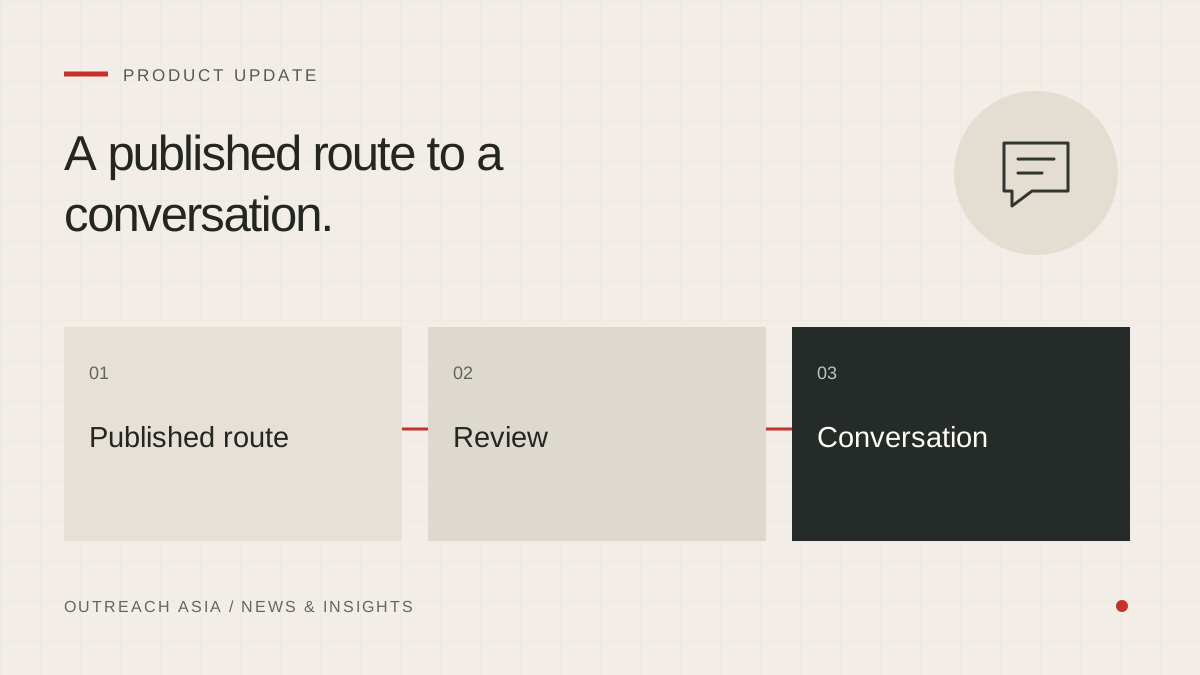
A published route to a conversation.
- Find the invitation
Keep the business’s own published WhatsApp route and source.
- Check the channel
The workspace must be connected and the number checked.
- Review the draft
Read, edit, switch channel or skip before sending.
- Respect the reply
Follow the channel plan; a stop request ends all contact.
A visual summary of this article. Read the full explanation below.
A published invitation, not a found number.
A mobile number taken from a map listing is not permission to send a WhatsApp message, and we do not treat it as one. What we use is the business’s own invitation: a WhatsApp number or chat link it publishes on its own website. The other basis is permission you have recorded yourself.
The published invitation is kept with the page it came from, so you can see exactly where the company asked to be contacted this way.
How it works.
- The WhatsApp number is read from the company’s website during research.
- For companies found before this release, a slow background pass looks for it once WhatsApp is connected.
- The number is checked on WhatsApp before it is used.
- Once confirmed, the first message goes by WhatsApp.
- If there is no reply, an email follows after the delay set in the plan.
What is left alone.
The switch is automatic only where nobody has decided otherwise. A channel plan chosen by a person is not changed. Workspaces set to email only stay email only. Outreach already under way continues as it started. If a number stops working on WhatsApp, the automatic switch reverts and the company is contacted by email instead.
Why WhatsApp first, then email.
A business that publishes a WhatsApp link is telling buyers how it prefers to be reached. Writing there first respects that. Email remains as the follow-up, because a chat message can be missed, and a shared inbox often reaches a different person.
What you see in the workspace.
On Leads, a filter shows the companies where WhatsApp is possible. Each company page shows a preview of the WhatsApp message. In Review drafts, the channel is shown for every first message, so you know which will go by WhatsApp before any of them do.
The same safeguards apply.
A WhatsApp first message waits in the 24-hour review window like an email. During review you can read it, edit it, switch it back to email or skip the company. It may only use your approved statements. A request to stop, on WhatsApp or by email, ends contact on every channel.
Connecting WhatsApp.
WhatsApp can be connected through the WhatsApp Business API or by linking a WhatsApp account. You can do this in the last step of guided setup or later in Settings · Channels. Until WhatsApp is connected, nothing changes: companies are contacted by email as before.
This article describes the product as released on 29 September 2026. Details may change as the product develops; your workspace always shows the controls available to you. Nothing here is a guarantee of replies, meetings or inbox placement.