

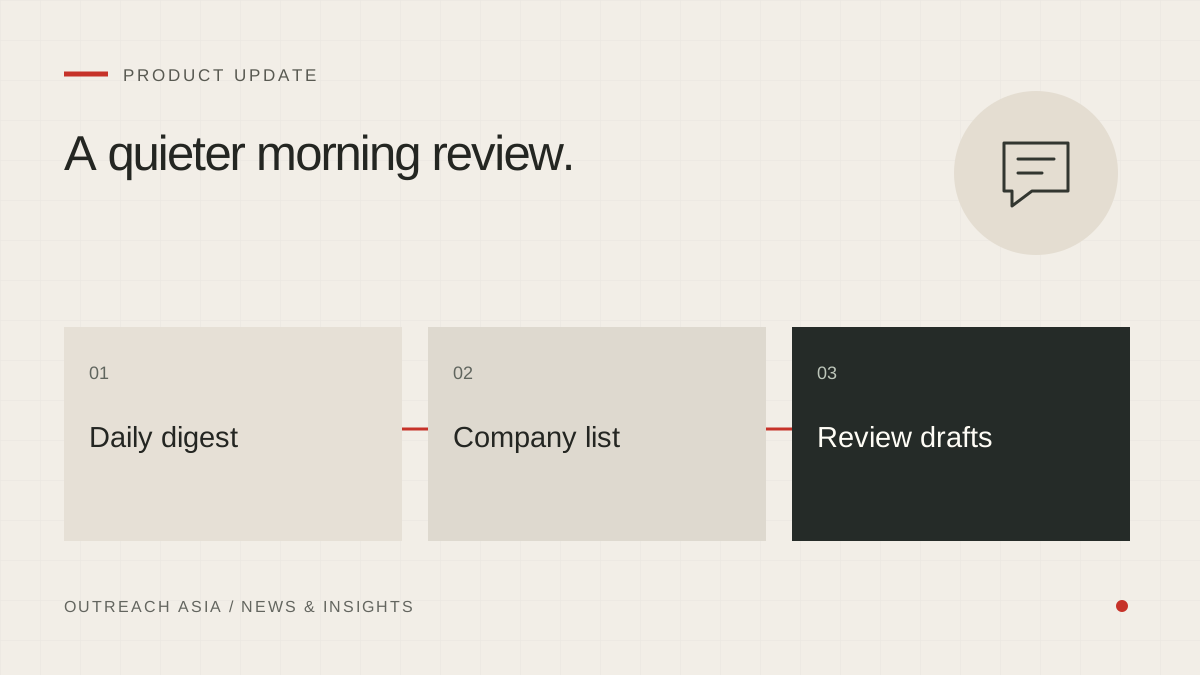
The 24-hour review window only helps if someone looks. Review drafts shows every waiting message, but it relies on a person opening the workspace. The daily digest brings the list to them instead.
A quieter morning review.
- Due in 24 hours
Only first messages without outstanding issues are included.
- One daily digest
See company names and the selected outreach channels.
- Open the review
Read the full messages, edit them or skip a company.
A visual summary of this article. Read the full explanation below.
What the digest contains.
Once a day, after 09:00 Malaysia time, the digest sends one Telegram message for each workspace that has it switched on. It lists the companies whose first message will become eligible to send in the next 24 hours, and whether each will go by email or WhatsApp. It ends with a link to Review drafts, where any of them can be read, changed or skipped.
A long list shows the first twelve companies and a count of the rest.
What it leaves out.
The digest only lists first messages that are genuinely about to go: drafts with no outstanding issues that nobody has skipped. A draft held by the statement checker is not listed, because it cannot send until it is fixed. If nothing is due, no message is sent. A quiet day produces a quiet phone.
Acting on the digest.
The link in the digest opens Review drafts. From there, each listed message can be read in full, changed or skipped with one click. A skipped message can be restored later if it was skipped by mistake. Changing a message starts its 24 hours again, so an edit made after reading the digest is never rushed out the same morning.
Who receives it today.
At present the digest is switched on for workspaces created through express setup, the setup our team uses for clients whose outreach we run. It goes to the Telegram chat the setup was connected to, so our team sees each morning what is about to leave on those clients’ behalf.
It is one message a day, not one per draft. The point is a short list that can be read in a minute, not another stream of alerts to be ignored.
Other Telegram notifications.
Any workspace can connect Telegram in Settings · Notifications and send itself a test message to check the connection. Telegram can then carry the same events as the bell in the workspace: replies, bounces, research runs and anything that needs your action.
Why it matters.
The review window is a safeguard that depends on attention. The digest does not change the window or shorten it. It makes it more likely that the person who knows the business best sees each first message before it goes.
This article describes the product as released on 29 September 2026. Details may change as the product develops; your workspace always shows the controls available to you. Nothing here is a guarantee of replies, meetings or inbox placement.