

Some clients prefer us to run their outreach for them. Until now, our team set up each of those workspaces by walking through guided setup on the client’s behalf. Express setup does the same work in one pass, decided up front, and stops wherever a person needs to look.
Faster setup. The same checks.
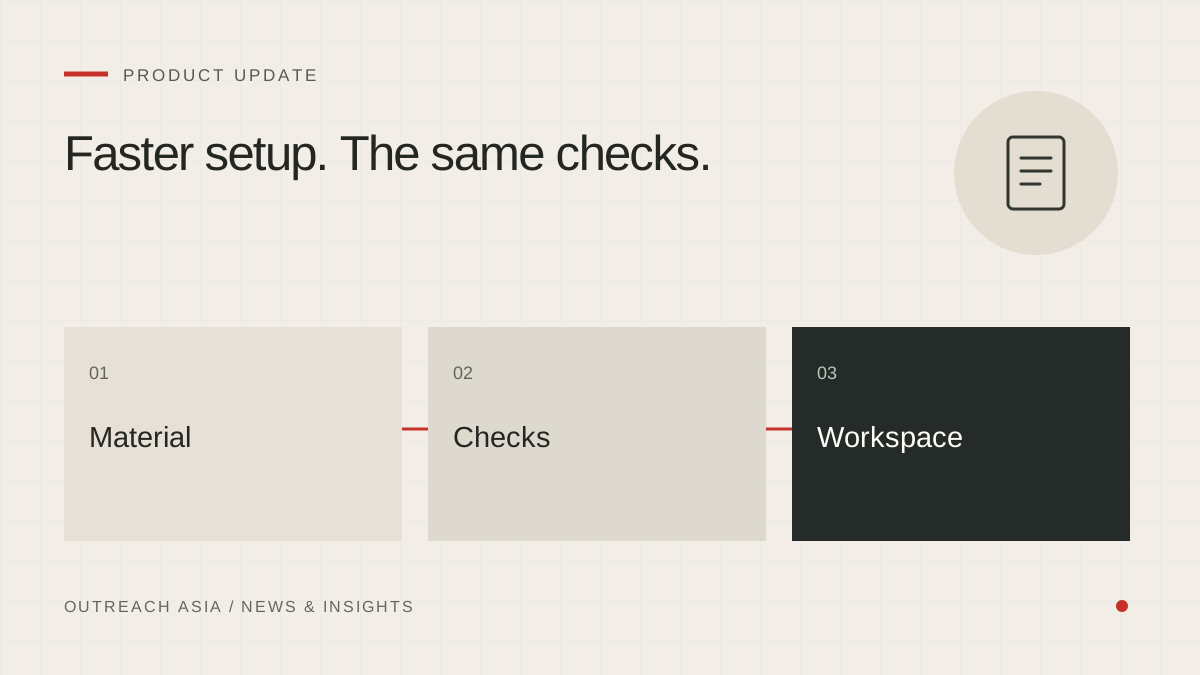
- Provide material
Company, website, documents, markets and outreach purpose.
- Check the foundations
Read documents, review the trade and support statements.
- Prepare the workspace
Start suitable campaigns and connect notifications.
- Stop if unresolved
Unreadable material or unsupported statements need attention.
A visual summary of this article. Read the full explanation below.
What goes in.
A member of our team enters the company name and website, chooses the markets and what the outreach is for, and adds the client’s brochures, catalogues or other documents. There are four purposes to choose from: find buyers and customers, find distributors and partners, sell more to existing customers, or win back past customers. Only markets we serve are used.
What happens next.
- The workspace is created.
- The documents are read.
- The business is understood from what the documents say.
- A compliance check looks at the trade before any research is bought.
- Statements are prepared from the documents.
- Campaigns suited to the chosen purpose are started.
- Autopilot is switched on.
- Notifications are connected to our team’s Telegram chat.
Each step shows its result as it runs, and a summary is sent to Telegram at the end.
Only what the documents support.
Statements are approved only where the documents support them. Anything the documents do not back is left out, never guessed. Each approval is recorded as made through express setup by the member of our team who ran it, so it can be told apart from an approval by the client.
Where it stops.
Express setup stops before switching on autopilot if the compliance check flags the trade for review, if none of the documents can be read, if no statement is supported, or if no suggested campaign fits the chosen purpose. It says which of these happened. The workspace keeps what was done so far, and the rest can be finished through the normal setup pages.
Afterwards.
The Telegram summary links to the client’s page in our team’s client list, where the workspace can be checked like any other. Its statements, campaigns and settings sit in the same places as in a workspace set up by hand, so anything express setup decided can be reviewed and changed later. Express setup is a faster way in, not a different set of rules.
The same safeguards.
Every first email still waits 24 hours in review, and each morning’s daily digest lists what is due to send so our team can skip anything before it goes. Messages are sent through the agency mailbox until the client connects their own, within the same daily limits and warm-up. Country rules, the statement checker and the shared do-not-contact list apply exactly as they do everywhere else.
This article describes the product as released on 29 September 2026. Details may change as the product develops; your workspace always shows the controls available to you. Nothing here is a guarantee of replies, meetings or inbox placement.