

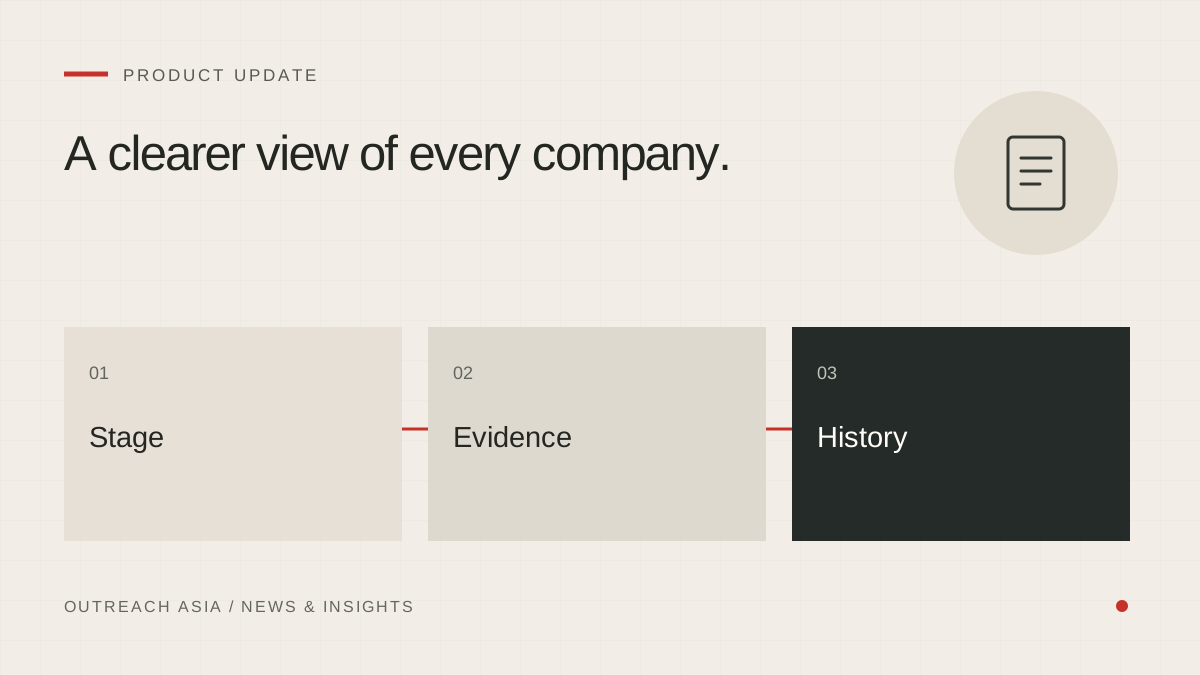
As campaigns run, the list of companies grows, and the useful question changes from “who did we find?” to “where is each one up to?”. The Leads page has been rebuilt around that question as part of the redesigned workspace.
A clearer view of every company.
- Filter the list
Use stage, campaign, market and contact filters.
- Inspect a company
Read the match reasoning, sources and saved history.
- Export your view
CSV contains the companies in the filtered list; it sends nothing.
A visual summary of this article. Read the full explanation below.
Stage tabs.
Leads now opens with tabs for each stage: All, New, Kept, Draft waiting, Contacted and Not a fit. A kept company with a saved draft counts as Draft waiting, because the next thing that happens to it is the review of that draft.
More filters narrow the list further: by status, market, campaign, email, score, dates, or whether WhatsApp is possible. Each tab shows how many companies are at that stage in the whole workspace.
A page for each company.
Every company now has its own page. It brings together the company’s details, the campaign it was found for, the written reason it was suggested, and the sources checked, with links to the pages the evidence came from.
The page also shows a history built from saved records: when the company was found, when a draft was written, when a message was sent and when a reply arrived. The draft page and the company page link to each other, so you can move between the message and the reasons for sending it.
A filtered CSV export.
Export CSV downloads the list exactly as you have filtered it. The file includes the company, website, email, whether email is permitted, phone, city, country, campaign, status, stage, score, when it was first found, its last activity and your notes.
The export is read-only. It never queues, sends or changes anything, so it is safe to use when sharing progress with a sales team or loading companies into your own customer records.
Why the history comes from saved records.
A history rebuilt after the fact tends to tidy things up. The lead page does not. It shows what the workspace recorded at the time, in the order it happened. If a draft was skipped and later restored, that shows too. When you need to explain why a company was or was not contacted, the answer is on its page.
Logging a reply by hand.
Some buyers answer by phone or in person. Log a reply now starts with the right company selected. A logged reply is saved even when it cannot be sorted straight away, and a logged request to stop puts the company on the do-not-contact list, just as an emailed one would.
What it does not change.
The Leads page shows what research found and what has happened since. It does not change how companies are chosen, and nothing on it sends a message. First messages still go through Review drafts and the 24-hour review window.
This article describes the product as released on 28 September 2026. Details may change as the product develops; your workspace always shows the controls available to you. Nothing here is a guarantee of replies, meetings or inbox placement.