

This week we released a redesign of the whole client workspace at app.outreach.asia. The work underneath did not change: the research, the statements, the 24-hour review and the sending rules are the same. What changed is how it is laid out, how new clients are guided through it, and the languages it speaks.
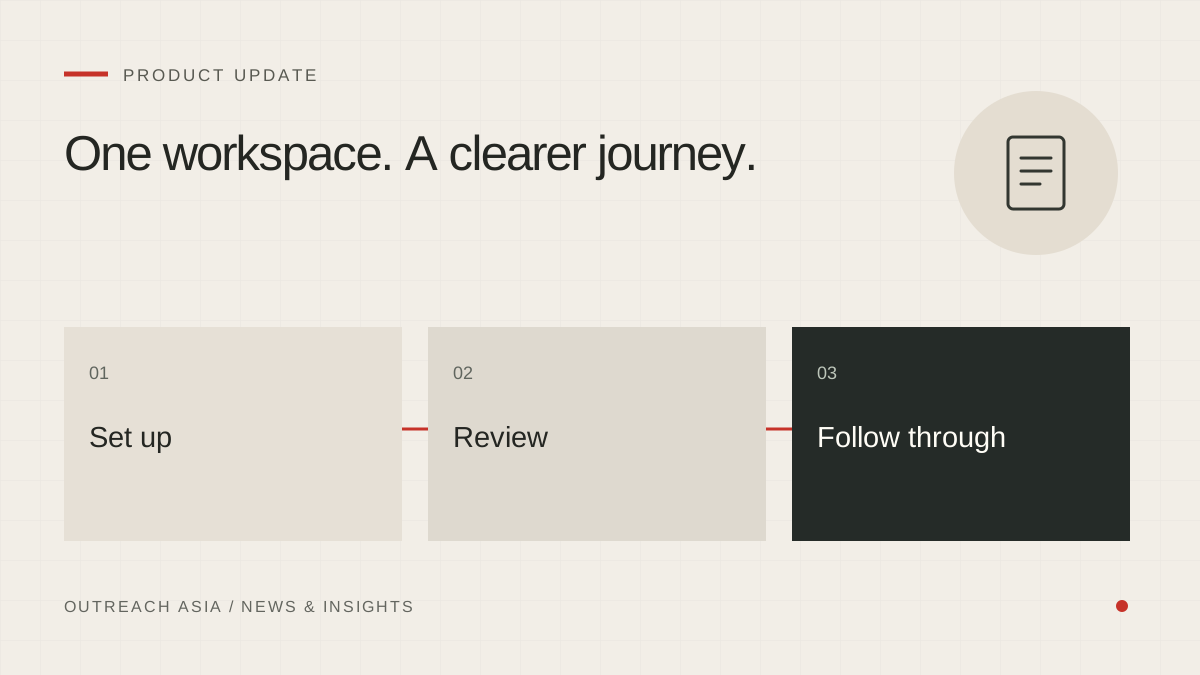
One workspace. A clearer journey.
- Set up
Material, facts, approved statements and campaigns.
- Review
Company evidence and first-message drafts.
- Follow through
Conversations, sent messages and recorded results.
A visual summary of this article. Read the full explanation below.
One design across every page.
Home, Dashboard, Reports, Help, Company profile, Campaigns, Leads, Review drafts, Conversations, Sent and Settings have all been rebuilt on one design system. The older stylesheets have been retired, so every page now behaves the same way.
A sidebar shows where you are. A top bar carries a breadcrumb and search. A notification bell lists recorded events in your workspace, such as replies and research runs.
Guided from the first visit.
New clients now go through six short setup steps, from adding a brochure to choosing how messages are sent. A stepper shows progress, and parts of the sidebar stay locked until setup is done, so nobody lands on an empty page wondering what to do. After setup, the same features stay available in Company profile, Campaigns and Settings.
Pages built from saved records.
Home, Dashboard and Reports are built only from what your workspace has actually recorded: companies found, drafts written, messages sent, replies received. They do not show estimates or sample figures dressed up as results.
Our own team’s view was rebuilt on the same principle: a list of clients, a page for each client, a three-step way to add one, and a system health page, all built from saved records.
Clearer review and follow-through.
- Review drafts lists every first message with the time it becomes eligible to send, and a single page for each draft.
- Leads has stage tabs, a page for each company and a filtered CSV export.
- Conversations and Sent keep follow-ups and messages to be sent by hand as tabs, next to the conversation they belong to.
- Company profile holds Statements, Facts and Material in one place.
- Settings is split into Mailbox, Channels, Automation, Notifications and Countries.
English, Bahasa Melayu and Chinese.
The whole interface is available in English, Bahasa Melayu and Simplified Chinese. The translations were reviewed against a glossary, so that campaign, statement and fact each use one term throughout. We then rendered every page in Malay and in Chinese to find anything left untranslated, including the per-country compliance notes.
Your own content stays as written: company data and drafts are not translated behind your back. Emails themselves can still be written in the buyer’s language.
Usable on a phone.
The setup stepper shrinks to dots on narrow screens, the top bar stays on one line, and long headers and file names wrap instead of pushing the page sideways. Reviewing a draft on the way to a meeting is now practical.
This article describes the product as released on 27 September 2026. Details may change as the product develops; your workspace always shows the controls available to you. Nothing here is a guarantee of replies, meetings or inbox placement.