

Every email sent through Outreach Asia carries a way to stop further messages, and a request to stop is honoured at once. We found that some companies were being unsubscribed within a minute of receiving our email, without anyone there having asked. This release fixes that without making it any harder for a person to opt out.
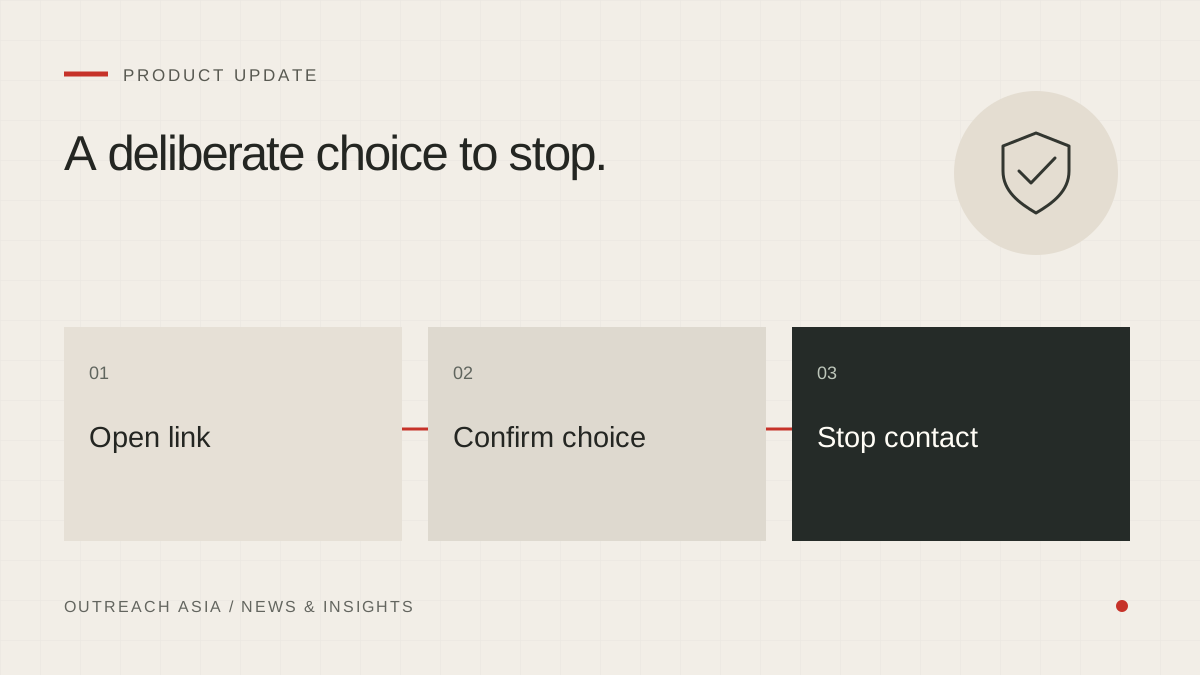
A deliberate choice to stop.
- Link opened
A browser visit displays the confirmation page.
- Person confirms
The Unsubscribe button records the request.
- Contact stops
Apply the opt-out across channels. Mail-client one-click requests still work directly.
A visual summary of this article. Read the full explanation below.
What was happening.
Many organisations run mail security scanners. When a message arrives, the scanner opens every link in it to check that none leads somewhere harmful. Our unsubscribe link acted on a simple visit, so the scanner’s safety check was recorded as a request to stop.
The result was that some companies were removed before a person there had even read the email. They were not contacted again, which is the safe direction to fail in, but it was not what they had asked for.
What changed.
Opening the unsubscribe link now shows a short page with a confirm button. Pressing the button unsubscribes. A scanner that only opens the page changes nothing.
The one-click unsubscribe built into mail programs still works directly. It follows the standard for one-click unsubscribing (RFC 8058, using the List-Unsubscribe header), which sends a deliberate request rather than a page visit, so scanners do not trigger it.
What a person sees.
Someone who wants to stop clicks the link at the foot of the email. A short page asks whether to stop all further messages to their address, with a single Unsubscribe button. There is nothing to sign in to and no reason to give.
If a link has been altered in transit and can no longer be read, the page says so and asks the person to reply with the word “unsubscribe” instead. That reply is acted on straight away.
Why ask, rather than guess.
We could have tried to tell scanners and people apart by their behaviour. That kind of guessing fails in both directions, and failing the wrong way would mean ignoring a real request. A single confirm button is clear, costs a person one click, and cannot be pressed by a scanner that only looks.
Why accuracy matters in both directions.
The do-not-contact list is shared across every client. That protects the people on it: a company that asks to stop is not contacted through Outreach Asia again. It also means a false entry has a wide effect. A company removed by a scanner is lost to every client, not just the one whose email it received. Getting the list right, in both directions, is part of treating it seriously.
Opting out is still immediate.
- A reply asking to stop is acted on at once, recognised from its words before any AI model is involved.
- A request to stop that you log by hand, for example after a phone call, also goes on the do-not-contact list.
- The do-not-contact list is shared across all clients, so a company that asks one of our clients to stop is not contacted by another.
- A request to stop ends contact on every channel, including WhatsApp.
This article describes the product as released on 29 September 2026. Details may change as the product develops; your workspace always shows the controls available to you. Nothing here is a guarantee of replies, meetings or inbox placement.